Trace applied transforms
Sometimes we would like to see which transform was applied to a certain batch
during training. This can be done in TorchIO using
torchio.utils.history_collate for the data loader. The transforms
history can be saved during training to check what was applied.
import pprint

import matplotlib.pyplot as plt
import torch

import torchio as tio

torch.manual_seed(0)

batch_size = 4
subject = tio.datasets.FPG()
subject.remove_image('seg')
subjects = 4 * [subject]

transform = tio.Compose(
    (
        tio.ToCanonical(),
        tio.RandomGamma(p=0.75),
        tio.RandomBlur(p=0.5),
        tio.RandomFlip(),
        tio.RescaleIntensity(out_min_max=(-1, 1)),
    )
)

dataset = tio.SubjectsDataset(subjects, transform=transform)

transformed = dataset[0]
print('Applied transforms:')  # noqa: T201
pprint.pprint(transformed.history)  # noqa: T203
print('\nComposed transform to reproduce history:')  # noqa: T201
print(transformed.get_composed_history())  # noqa: T201
print('\nComposed transform to invert applied transforms when possible:')
print(transformed.get_inverse_transform(ignore_intensity=False))  # noqa: T201

loader = tio.SubjectsLoader(
    dataset,
    batch_size=batch_size,
    collate_fn=tio.utils.history_collate,
)

batch = tio.utils.get_first_item(loader)
print('\nTransforms applied to subjects in batch:')  # noqa: T201
pprint.pprint(batch[tio.HISTORY])  # noqa: T203

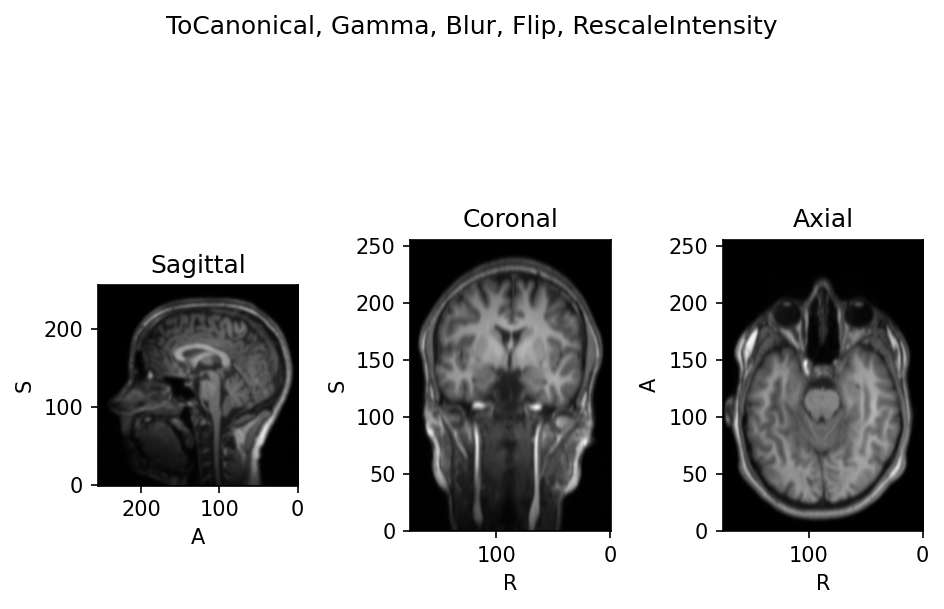
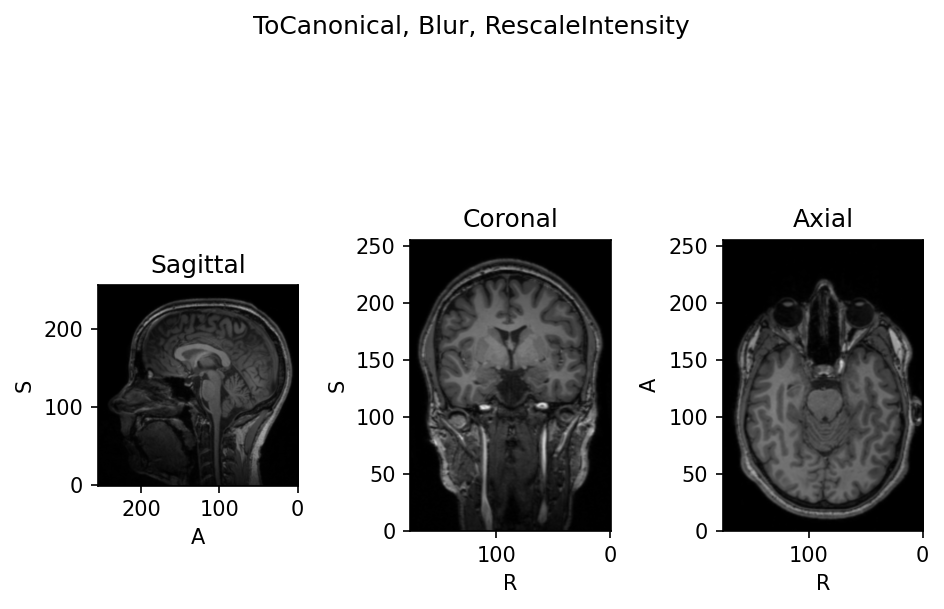
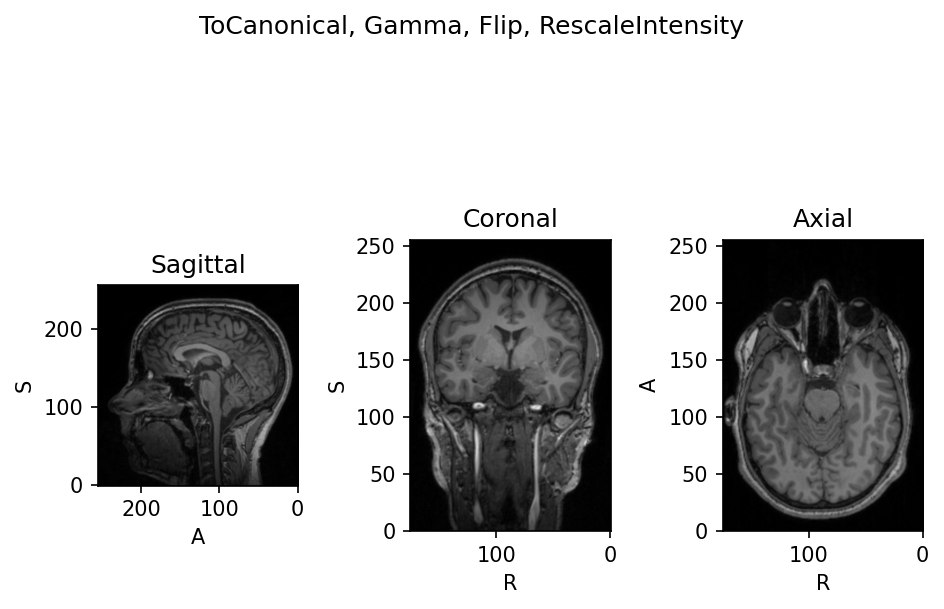
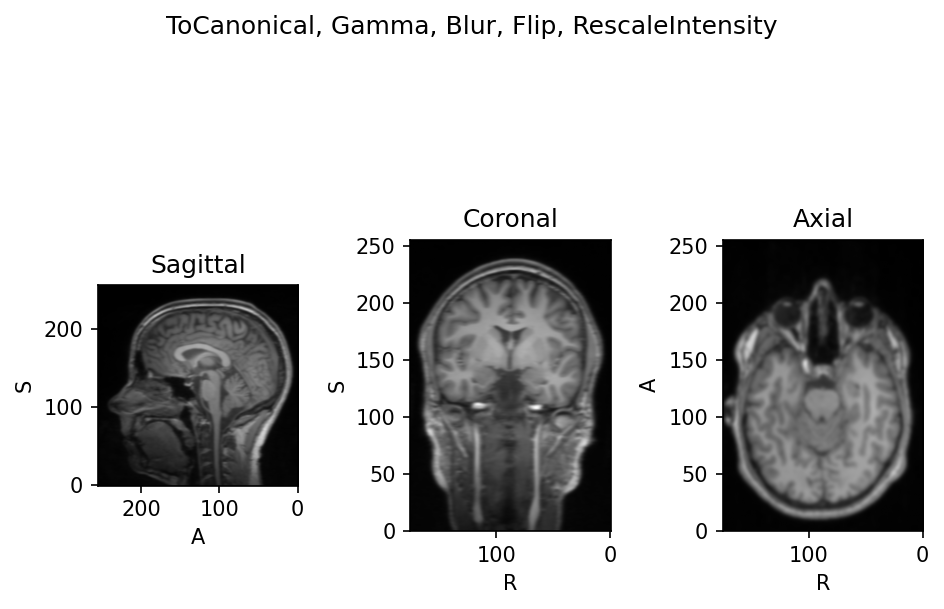
for i in range(batch_size):
    tensor = batch['t1'][tio.DATA][i]
    affine = batch['t1'][tio.AFFINE][i]
    image = tio.ScalarImage(tensor=tensor, affine=affine)
    image.plot(show=False)
    history = batch[tio.HISTORY][i]
    title = ', '.join(t.name for t in history)
    plt.suptitle(title)
    plt.tight_layout()
Applied transforms:
[ToCanonical(orientation=RAS),
 Gamma(gamma={'t1': [np.float64(0.8018917031404817)]}),
 RescaleIntensity(out_min_max=(-1, 1), percentiles=(0, 100), masking_method=None, in_min_max=None)]

Composed transform to reproduce history:
Compose([ToCanonical(orientation=RAS), Gamma(gamma={'t1': [np.float64(0.8018917031404817)]}), RescaleIntensity(out_min_max=(-1, 1), percentiles=(0, 100), masking_method=None, in_min_max=None)])

Composed transform to invert applied transforms when possible:
Compose([Gamma(gamma={'t1': [np.float64(0.8018917031404817)]}, invert=True)])

Transforms applied to subjects in batch:
[[ToCanonical(orientation=RAS),
  Gamma(gamma={'t1': [np.float64(1.1259200934274376)]}),
  Blur(std={'t1': (0.5645371675491333, 1.3632171154022217, 1.8303879499435425)}),
  Flip(axes=(0,)),
  RescaleIntensity(out_min_max=(-1, 1), percentiles=(0, 100), masking_method=None, in_min_max=None)],
 [ToCanonical(orientation=RAS),
  Blur(std={'t1': (0.5396671295166016, 0.30135953426361084, 0.0634390115737915)}),
  RescaleIntensity(out_min_max=(-1, 1), percentiles=(0, 100), masking_method=None, in_min_max=None)],
 [ToCanonical(orientation=RAS),
  Gamma(gamma={'t1': [np.float64(0.8567072622705179)]}),
  Flip(axes=(0,)),
  RescaleIntensity(out_min_max=(-1, 1), percentiles=(0, 100), masking_method=None, in_min_max=None)],
 [ToCanonical(orientation=RAS),
  Gamma(gamma={'t1': [np.float64(0.7924771084926655)]}),
  Blur(std={'t1': (1.4524730443954468, 1.402160406112671, 0.4076474905014038)}),
  Flip(axes=(0,)),
  RescaleIntensity(out_min_max=(-1, 1), percentiles=(0, 100), masking_method=None, in_min_max=None)]]
:fontawesome-brands-github: View source on GitHub{ .md-button }