Transform video
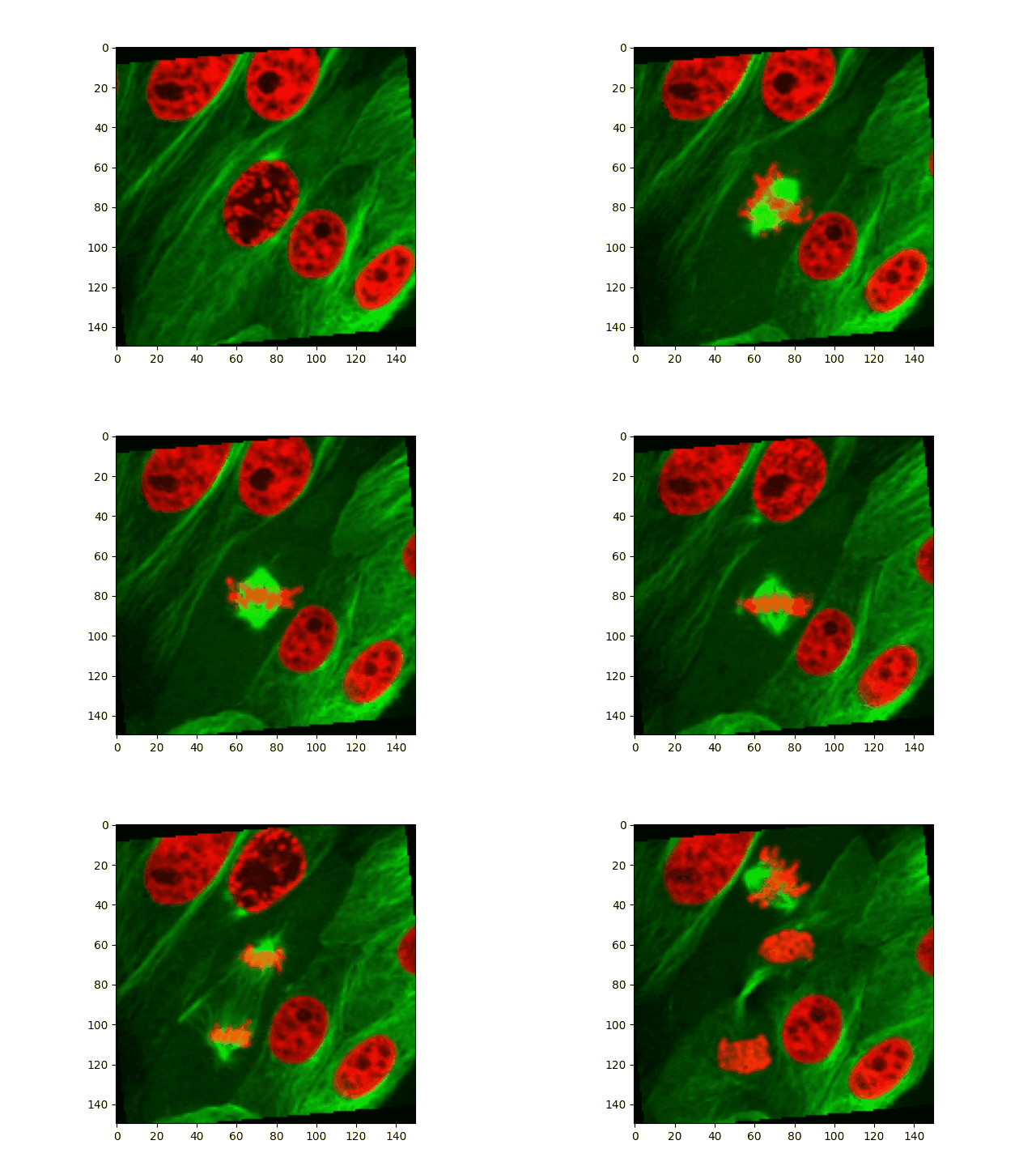
In this example, we use torchio.Resample((2, 2, 1)) to divide the spatial
size of the clip (height and width) by two and
RandomAffine(degrees=(0, 0, 20)) to rotate a maximum of 20 degrees around
the time axis.
import matplotlib.animation as animation
import matplotlib.pyplot as plt
import numpy as np
import torch
from PIL import Image

import torchio as tio


def read_clip(path, undersample=4):
    """Read a GIF a return an array of shape (C, W, H, T)."""
    gif = Image.open(path)
    frames = []
    for i in range(gif.n_frames):
        gif.seek(i)
        frames.append(np.array(gif.convert('RGB')))
    frames = frames[::undersample]
    array = np.stack(frames).transpose(3, 1, 2, 0)
    delay = gif.info['duration']
    return array, delay


def plot_gif(image):
    def _update_frame(num):
        frame = get_frame(image, num)
        im.set_data(frame)
        return

    def get_frame(image, i):
        return image.data[..., i].permute(1, 2, 0).byte()

    plt.rcParams['animation.embed_limit'] = 25
    fig, ax = plt.subplots()
    im = ax.imshow(get_frame(image, 0))
    return animation.FuncAnimation(
        fig,
        _update_frame,
        repeat_delay=image['delay'],
        frames=image.shape[-1],
    )


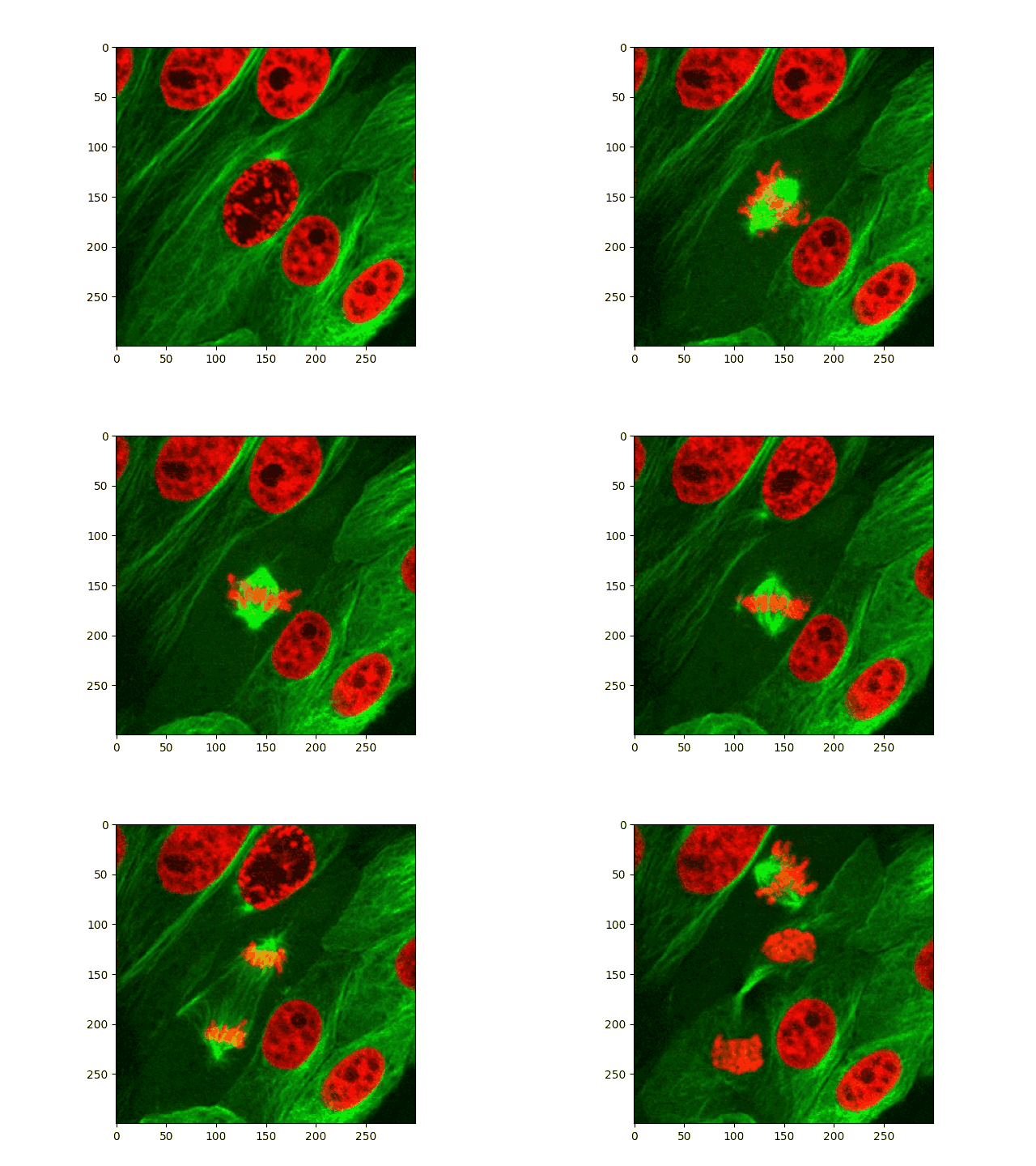
# Source: https://thehigherlearning.wordpress.com/2014/06/25/watching-a-cell-divide-under-an-electron-microscope-is-mesmerizing-gif/
array, delay = read_clip('nBTu3oi.gif')
plt.imshow(array[..., 0].transpose(1, 2, 0))
plt.plot()
image = tio.ScalarImage(tensor=array, delay=delay)
original_animation = plot_gif(image)

transform = tio.Compose(
    (
        tio.Resample((2, 2, 1)),
        tio.RandomAffine(degrees=(0, 0, 20)),
    )
)

torch.manual_seed(0)
transformed = transform(image)
transformed_animation = plot_gif(transformed)
:fontawesome-brands-github: View source on GitHub{ .md-button }